
How to Capture a Full Web Page Using Reddit’s Built-In Browser Methods
An evidence-led HTML guide distilling genuine Reddit experiences, technical limits, privacy checks, and a reproducible workflow.
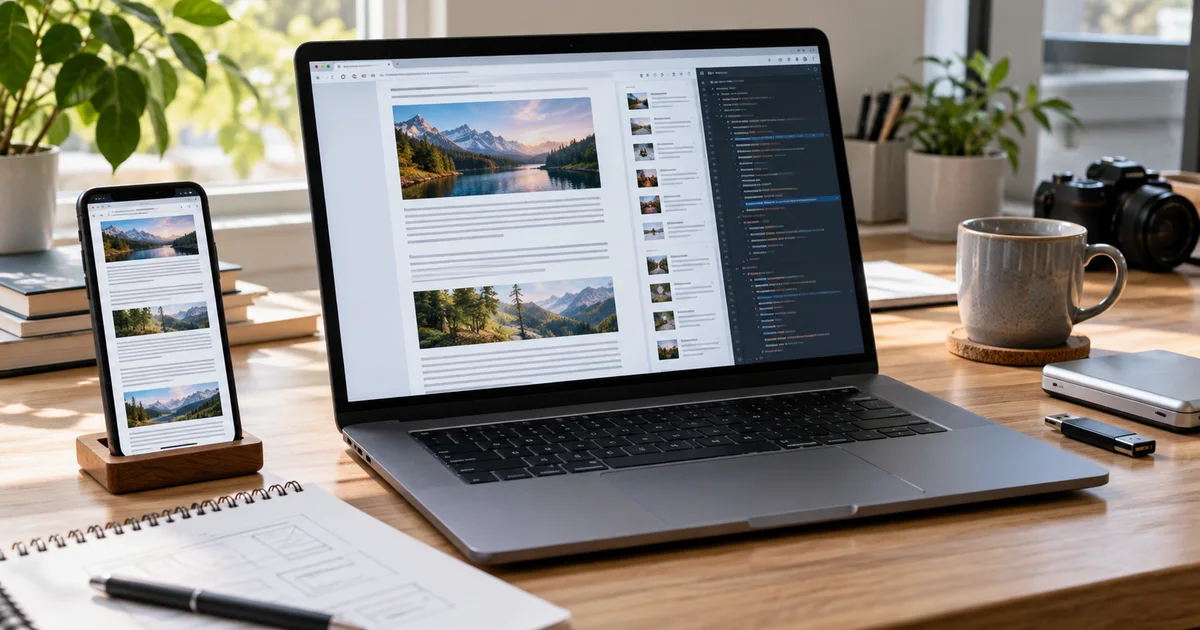
Chrome, Edge and Firefox can capture full pages without an extension, but the built-in command still records the page’s current rendering state. Prepare that state before capture.
Chrome and Edge developer tools
Open developer tools, use the command menu and choose the full-size screenshot command. Set device emulation first when a specific mobile or desktop width is required. The browser calculates the document bounds and writes a PNG.
Before running it, scroll through the page to trigger lazy assets, return to the top and wait for fonts. Pause animations with developer tools or temporary CSS. Inspect the result for repeated fixed headers and missing canvas or video frames.
Firefox’s screenshot interface
Firefox offers “Take Screenshot” and a full-page option from its page tools. It is convenient for ordinary documents and produces a PNG. As with Chromium, responsive width and page state determine the content. Capture the same test page in both browsers when cross-engine rendering is part of the evidence.
Safari and print alternatives
Safari users can use developer and screenshot facilities, but a PDF export may be more suitable when selectable text and multipage reading matter. A full-page raster can exceed practical image limits on very long pages.
Handle sticky and infinite layouts
If a sticky header repeats, create a temporary local style changing it to static for the capture and document that modification. For an infinite feed, define the last item or date; “full” has no meaning without a boundary. Virtualized lists may need an application export because offscreen records are not present in the DOM.
Verify the PNG
Open it outside the browser, zoom through every seam and confirm the bottom. Check width, height and file size. Split and label unwieldy captures rather than shrinking text until it cannot be read. Remove personal browser chrome or notifications from the captured state.
When a screenshot is insufficient
Use PDF when readers need search and selectable text. Use a saved HTML package when source inspection matters. Use HAR and console logs for a technical failure. For a transaction or legal record, follow the organization’s evidence process rather than assuming a PNG establishes authenticity. The image records appearance, not how the server produced it.
Built-in methods reduce extension permissions and are usually the best first attempt. They do not solve lazy loading, animation, privacy or evidentiary context. Record browser version, viewport, URL and time so the image is understandable later.