
How it works
- Choose selected content.
- Download HTML.
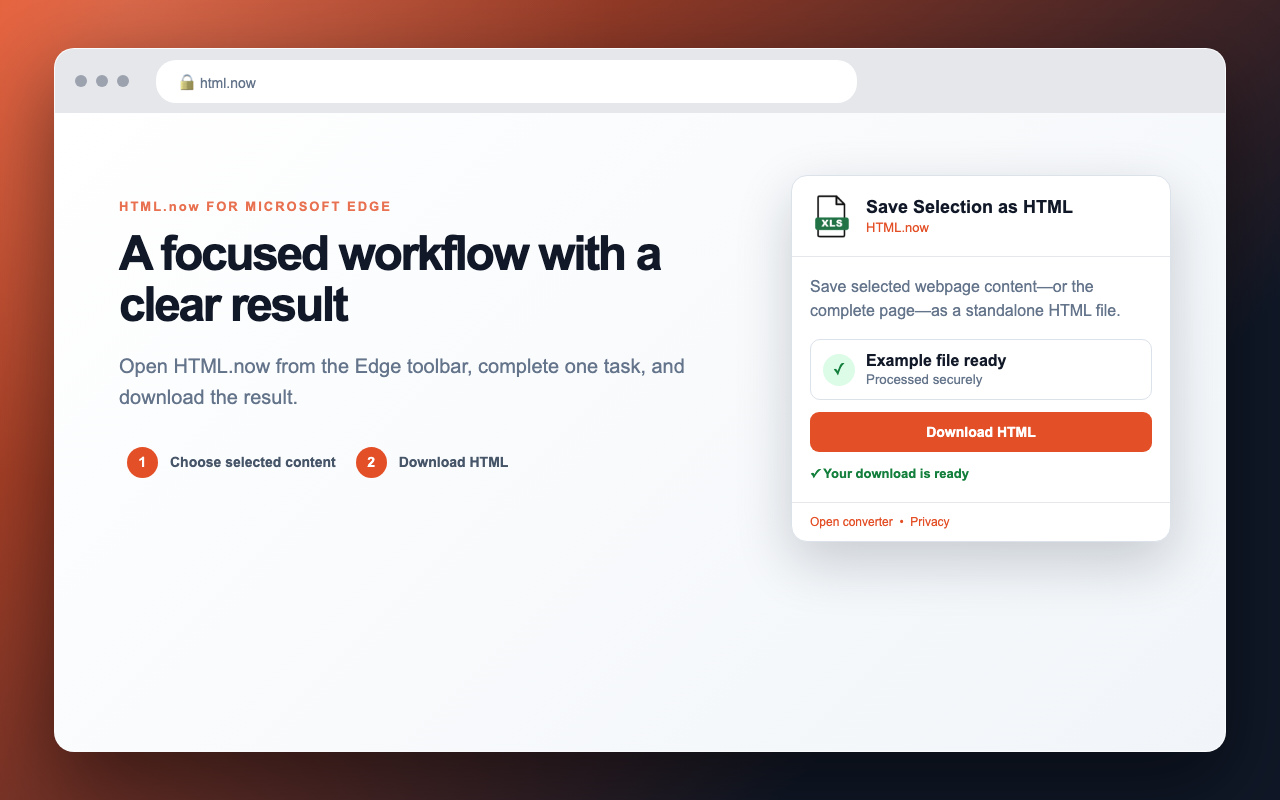
- Download the result.
Save selected webpage content—or the complete page—as a standalone HTML file.
The Microsoft Edge Add-ons listing is being prepared. This ZIP is for manual developer-mode testing.
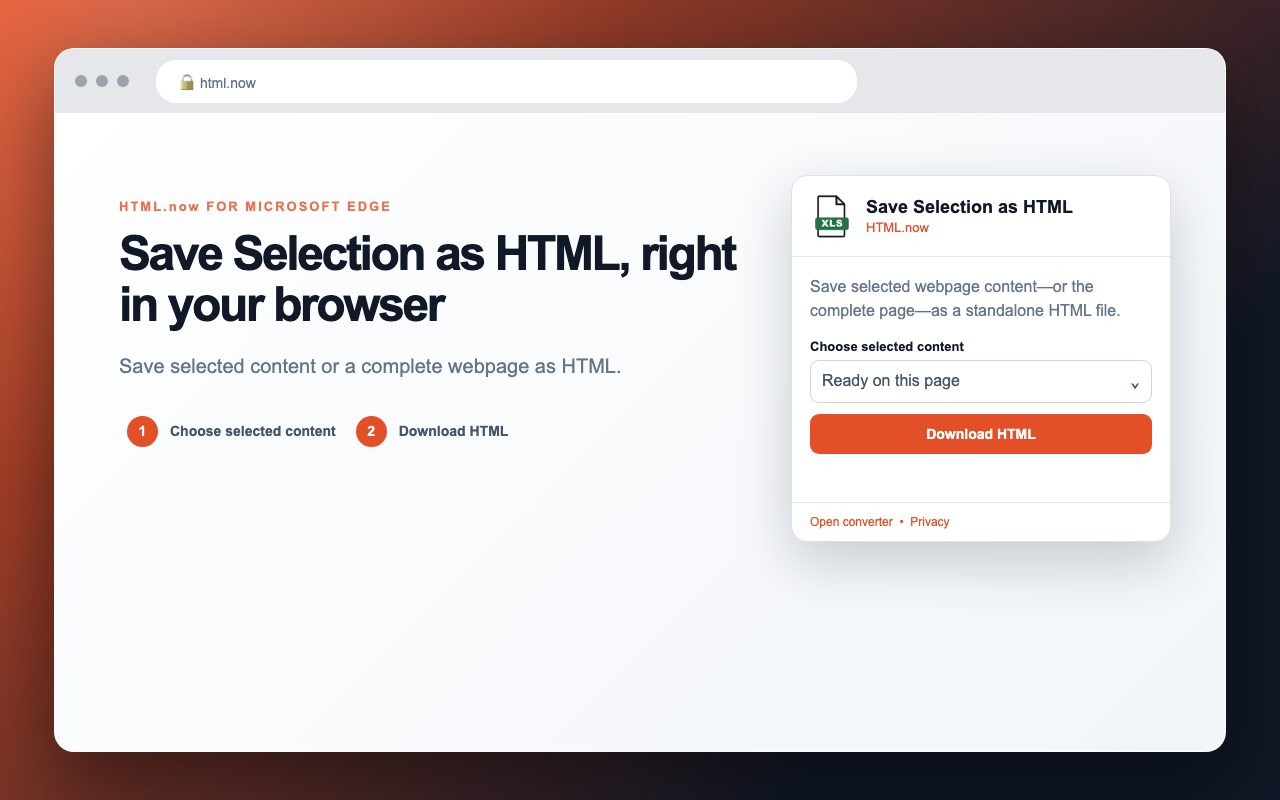
Save selected content or a complete webpage as HTML.
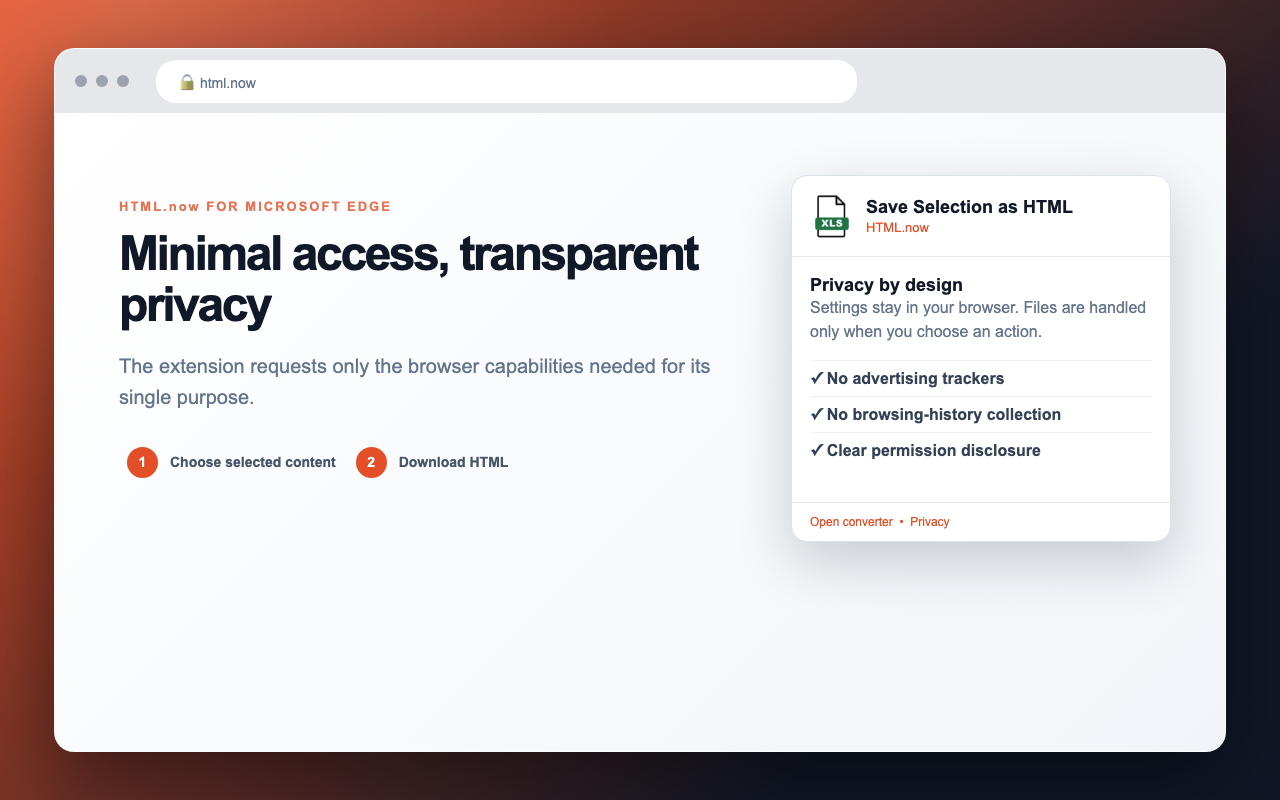
Processing happens locally in the browser. The extension does not collect browsing history or add advertising trackers.
Read the privacy policy