
HTML-to-PDF Conversion — Lessons from Reddit
An evidence-led HTML guide distilling genuine Reddit experiences, technical limits, privacy checks, and a reproducible workflow.
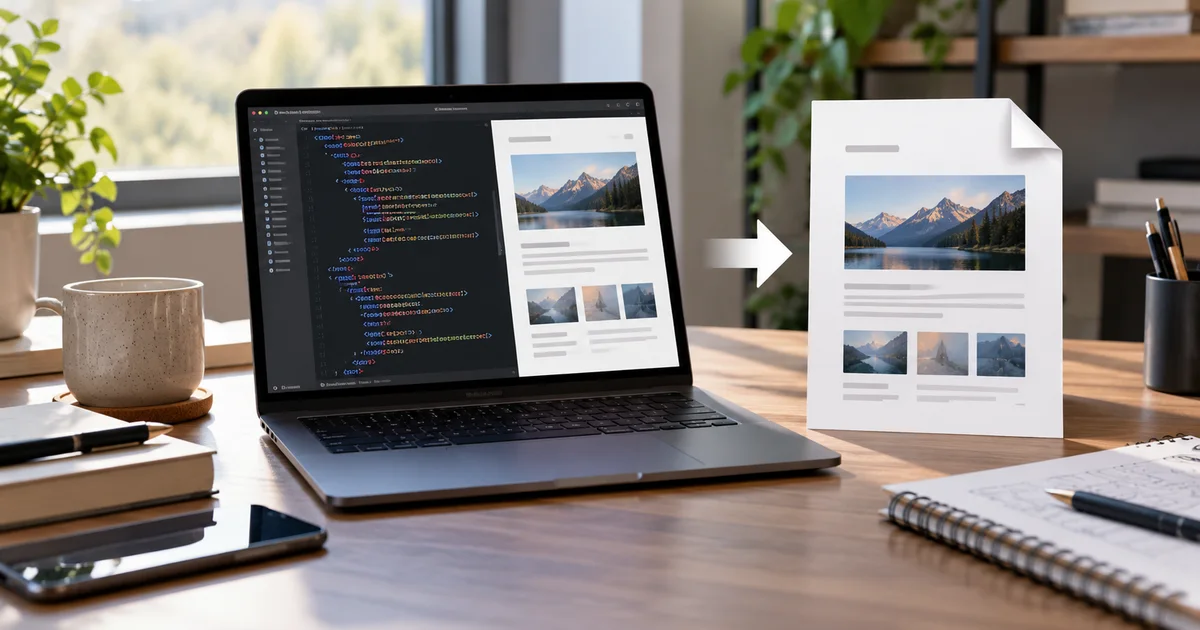
HTML-to-PDF is a browser-rendering job, not a neutral file substitution. The result depends on viewport, print media rules, fonts, network access, JavaScript timing, paper size and the renderer’s browser engine. Two people can convert the same URL and honestly report different results because their environments were not equivalent.
Reproduce the page before printing it
Open the saved input with developer tools. Reload with the network panel visible and check for failed stylesheets, fonts, images and API calls. A converter cannot preserve a layout it never loaded. For authenticated pages, decide whether the PDF is being created in a signed-in browser session or from standalone HTML that lacks the session data.
Wait for application state deliberately. Dashboards and charts may render after the initial load event; lazy images may require scrolling; animations can be caught halfway through a transition. A reproducible job uses an explicit readiness signal rather than an arbitrary sleep that happens to work on one connection.
Print CSS controls the paper version
Use the browser’s print preview and inspect @media print. Navigation, sticky headers and interactive controls often need hiding. Set paper size, margins and orientation explicitly. Avoid uncontrolled viewport units and fixed-position elements that repeat over content. Use break-before, break-after and break-inside carefully, then test long tables and headings near page boundaries.
Background graphics may be disabled by default. Enabling them can preserve design but consume ink and reduce contrast. Make that an editorial decision, not a hidden converter checkbox.
Fonts and links need independent checks
Confirm web fonts finish loading and the renderer may access them. A fallback font can change line wrapping and page count. Inspect the PDF on another computer to ensure fonts are embedded or legally substitutable. Click links, search text and copy a paragraph; a screenshot-based PDF may look right while losing selectable text and accessibility.
Chrome print, headless automation and hosted tools
The browser’s native Print to PDF is a strong manual baseline because it shows the exact session. Headless Chromium or Playwright suits repeatable automation when viewport, readiness and print options are fixed. Hosted converters simplify infrastructure but must receive all assets and introduce privacy, retention and authentication questions.
The Reddit discussions about HTML-to-PDF tools are most useful when they name a failure—missing CSS, wrong page breaks, blank charts—not when they only rank brands. Recreate that failure in a small test page before changing a production pipeline.
PDF acceptance test
Compare page count, headings, tables, images, colors and footers. Search and select text. Test internal and external links. Inspect the document at 100 percent for clipped content. If accessibility matters, evaluate tags and reading order; visual resemblance alone does not create an accessible PDF.
Keep the HTML, CSS, assets and tool configuration as the source package. The PDF is one rendered state. A defensible conversion records which state, browser version and print rules produced it.